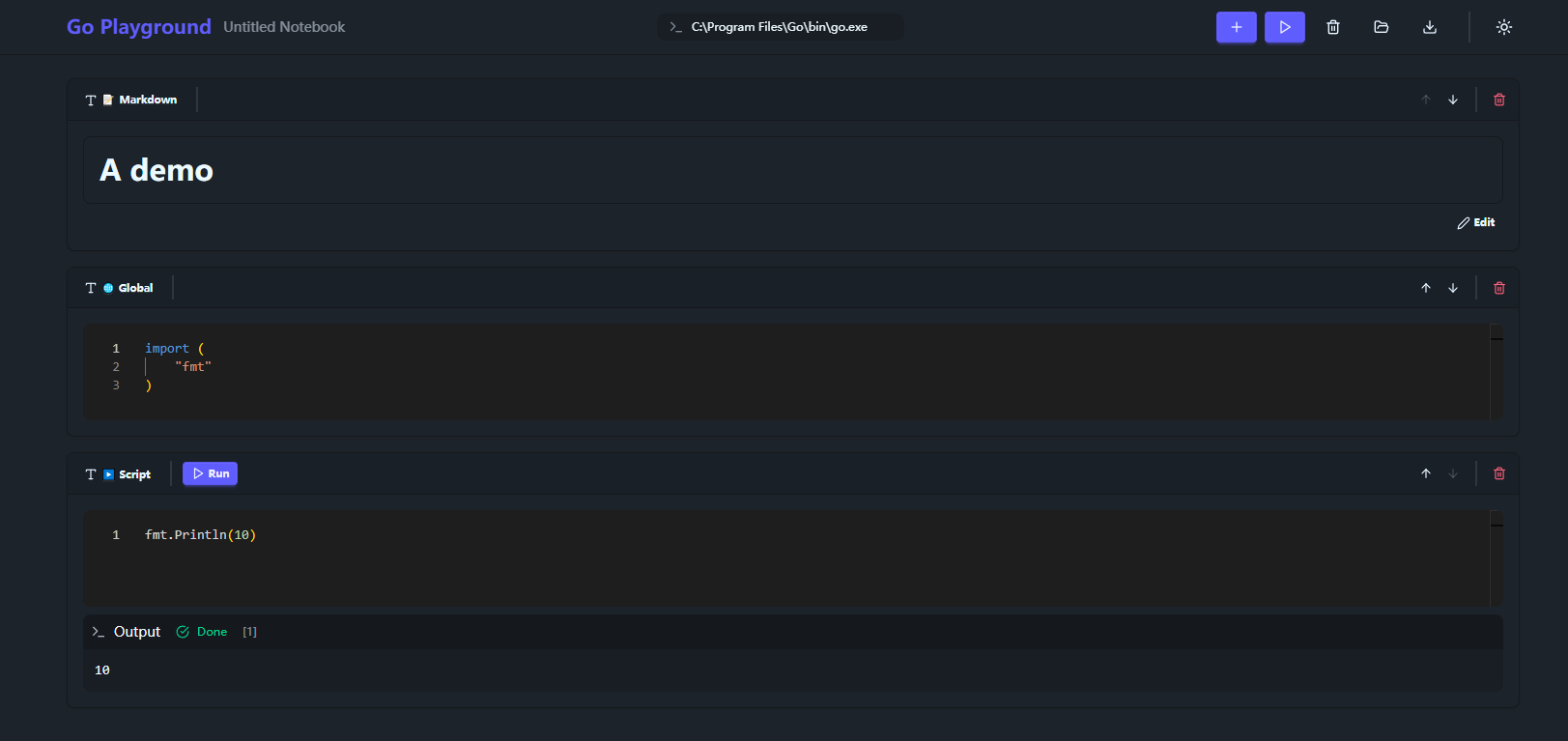
An interactive notebook for Go programming.
Write, execute, and
share Go code with Markdown support.
Add rich text explanations with full Markdown support. Create tutorials, documentation, and presentations.
Define imports and variables that are available to all script cells. Perfect for shared dependencies.
Write and execute Go code. Each script cell shares the same execution context, so variables and imports persist across cells.
Execute Go code instantly with gVisor sandboxing. No setup required. Safe code execution environment.
Save your notebooks as .goplay files. Share your code experiments easily with others.
Comfortable coding in any lighting condition. Switch between light and dark themes easily.
Click the + button to add script, markdown, or global cells. Arrange them in any order.
Run all cells or execute individually. See output instantly below each code cell.
Save as .goplay file. Open later or share with others to collaborate.